Smart & TNT Load
Approved submissions earn GIG Points. Open the app to see current Smart or TNT load options and their point requirements.


AI Quests sa GIG Rewards
Approved video submissions earn GIG Points na puwedeng i-redeem sa available Smart at TNT load rewards.
Gamit ang compatible smartphone at GIG-provided head mount, i-record ang eligible activities para tumulong mag-train ng AI. Nasa app ang exact task, reward, at availability.

Ano ang GIG AI Quests?
Complete an eligible AI Quest, pass validation, then redeem the rewards shown in the app. The app is always the source of truth for current rewards and availability.
Approved submissions earn GIG Points. Open the app to see current Smart or TNT load options and their point requirements.

Some campaigns may include a Weekly Leaderboard or Flash Challenge. The campaign page shows eligibility, prizes, and claim instructions.
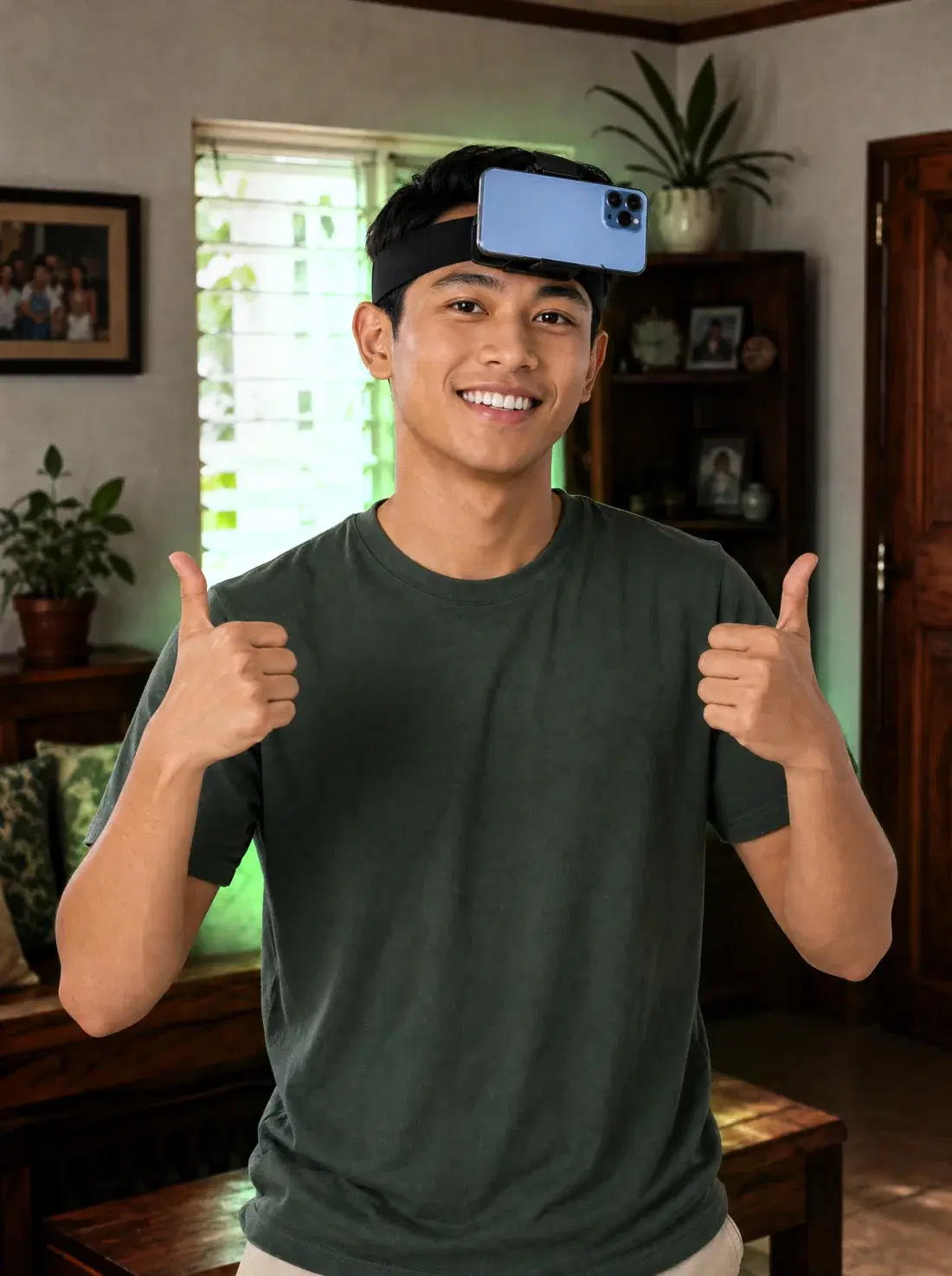
Pass the separate Quick Start eligibility check first. Qualified participants receive head-mount and community instructions through the quest flow.
Paano gumagana ang POV video quests?
Suot ang head mount, i-record ang eligible activity from your point of view. Approved footage helps AI learn how people see and move through real-world tasks.
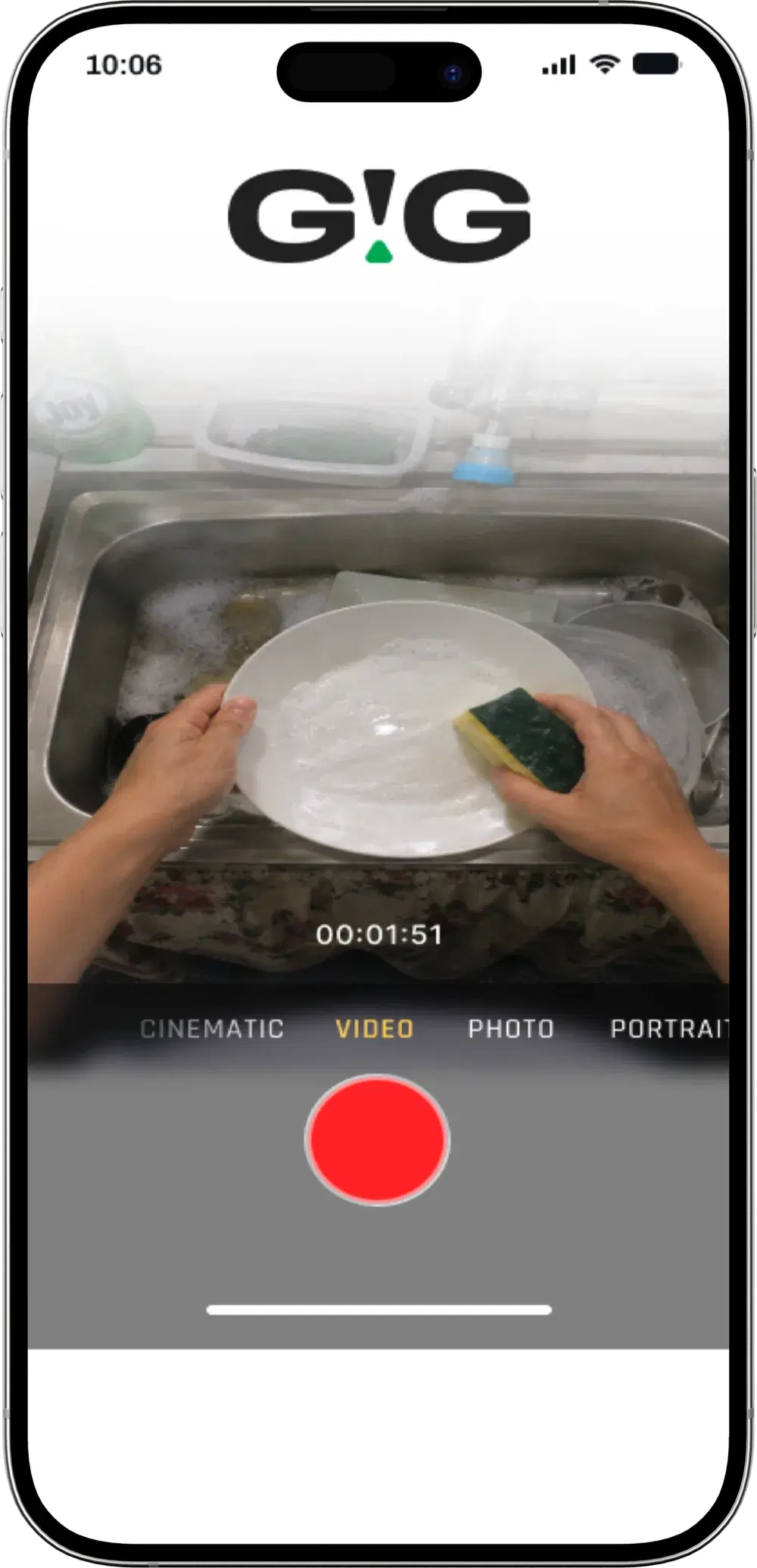
The sample shows a dishwashing POV recording. Your assigned activity, required duration, and framing instructions appear in the app.
You need a compatible smartphone. Qualified participants receive head-mount instructions after passing Quick Start.
Points and availability vary by quest. Check the current listing before you record-this page does not promise a fixed payout.
Every video submission is checked against its quest requirements. Points are credited only when that submission is approved.
Quest details vary. Open the GIG app to see the current activity, required duration, points, availability, recording requirements, and validation status.
Recording privacy
GIG is operated by 10xme Technology Inc. Submitted footage may contain personal information. The current GIG Privacy Policy states that personal information may be disclosed, shared, transferred, or sold to GIG affiliates and unaffiliated third parties, including service providers, business partners, and AI companies.
Read the current quest instructions and the policy before recording. Participation in one quest does not change the requirements or consent needed for another.
Paano sumali sa GIG AI Quests
Quick Start confirms your account, phone, and gear eligibility. Each video still goes through a separate review before points are credited.
Create or sign in to your GIG account, open AI Quests, then choose ‘Quick Start: Test Your Camera & Claim Your Gear.’ Complete the camera test and linked form.
Wait for your Quick Start submission to be validated. Qualified participants receive gear delivery and community instructions through the campaign flow.
Approval 1: Quick Start checks your account, phone, and gear eligibility.
Choose an available quest, follow its exact activity and recording requirements, then submit the video. Approved submissions earn the GIG Points shown for that quest.
Approval 2: Every video is reviewed separately before points are credited.
Eligible members may also join selected Weekly Leaderboards or Flash Challenges. Check the campaign page for current eligibility, prizes, and terms.
Check the live quest requirements before starting.
AI Quest help
The live app remains the source of truth for current availability, requirements, and rewards.
A GIG AI Quest is an eligible task that asks you to record or review content for an AI project. The app shows the exact activity, recording requirements, availability, and reward before you start.
Eligibility varies by quest. Sign in to the GIG app to check whether a quest is available for your account, device, location, and supported mobile provider.
Completing an upload does not guarantee points. Each submission is reviewed against the quest requirements, and points are credited only after that submission is approved.
You need a compatible smartphone. Some quests may require a head mount or another setup. Follow the current quest and Quick Start instructions in the app before recording.
Approved footage may be used to support AI training and related project work. Review the quest instructions and GIG Privacy Policy before recording because submitted footage may contain personal information and may be shared as described in that policy.
Need account-specific help? Visit the GIG Rewards FAQs or email support@gigrewards.ph.
Ready when you are
Tingnan ang current activity, duration, points, availability, recording requirements, at validation status. Kung eligible ka, start with Quick Start.